What do I need?
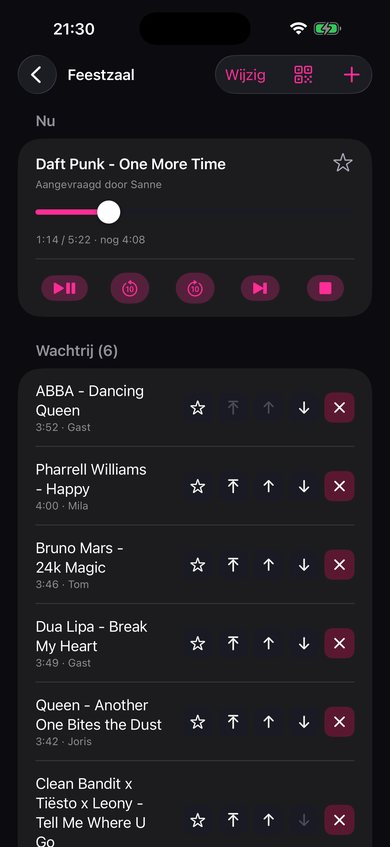
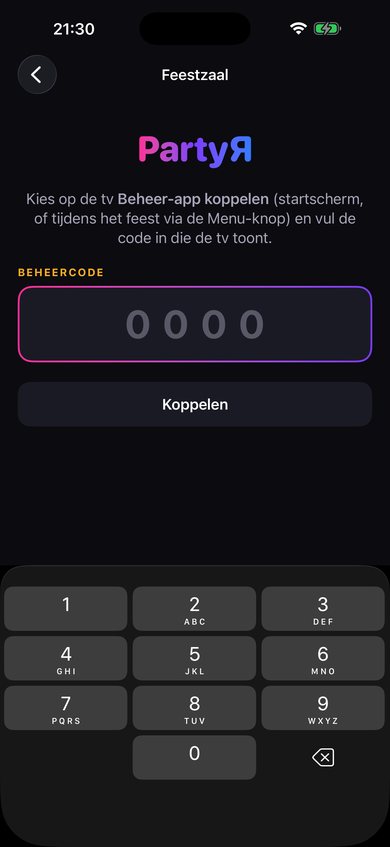
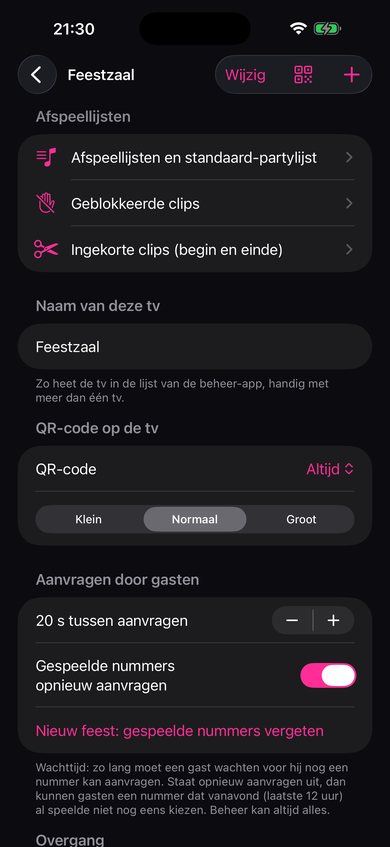
An Apple TV, an iPhone or iPad with PartyЯ Beheer, and at least one source. With Easy, that’s your own music videos in Plex, Jellyfin or Emby. With Pro you also connect your external music apps, such as YouTube, Apple Music and Spotify, with your own subscriptions: for YouTube your own YouTube key, free from Google; for Apple Music an Apple Music subscription, and for Spotify Spotify Premium. For your own clips, your media server runs on a computer or NAS at home; it needs to be on during the party. Your guests only need their own phone.
What’s the difference between Easy and Pro?
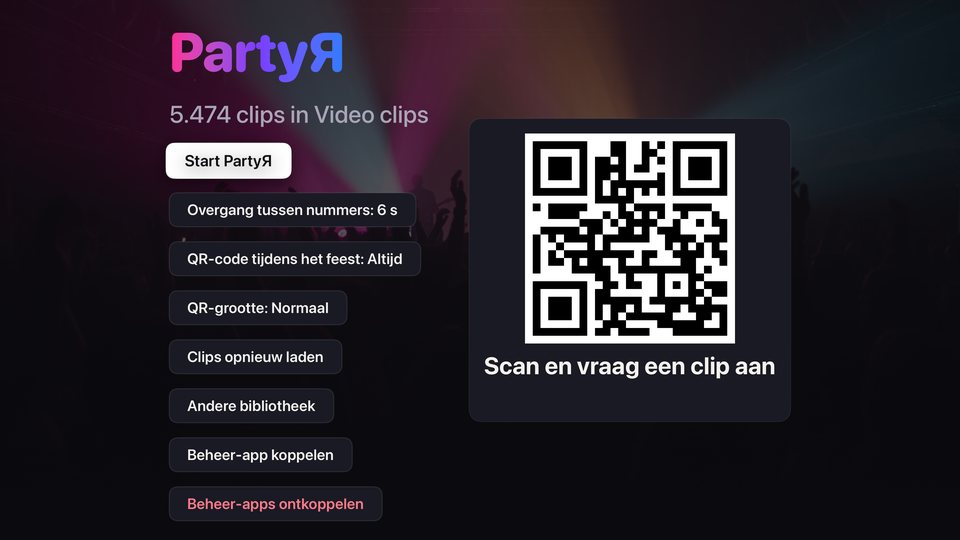
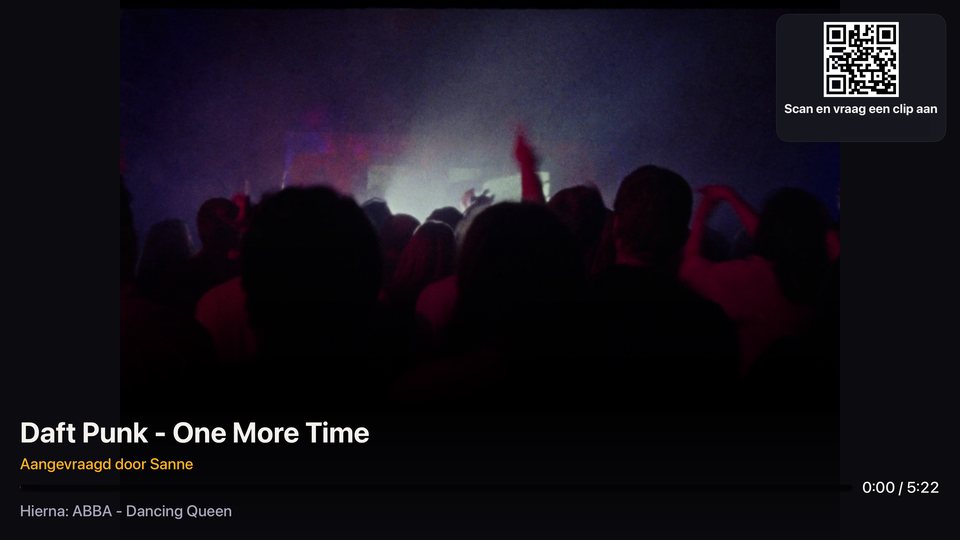
Easy is the whole party with your own clips from Plex, Jellyfin or Emby, played by the PartyЯ app on one Apple TV: the queue, the guest page with QR code, the host app, playlists and favourites, the smooth transition, volume levelling, start and end per song, and blocking. Pro is everything in Easy, plus the connection to your external music apps and to Home Assistant, and multi-play on several Apple TVs. You use your own subscriptions to those services. With Pro monthly, guests can also scan the QR code without Wi-Fi.
Do I need Plex?
No. For your own clips you can use Plex, Jellyfin or Emby with the PartyЯ app on the Apple TV; Easy already does that. If you use Pro to connect your external music apps, such as YouTube, Apple Music or Spotify, a party can also run without your own media server, in phone mode or via Home Assistant. You then use your own subscriptions to those services. Infuse plays your own clips in phone mode and via Home Assistant; Jellyfin and Emby play in phone mode through the PartyЯ app.
Does it work with YouTube?
Yes, with the YouTube connection in Pro: in phone mode or via Home Assistant. The YouTube app on your Apple TV plays the song. You use your own YouTube key: a free code you request from Google yourself. The app explains step by step how. With YouTube Premium you see no ads. Without Premium, YouTube’s ads simply play, and PartyЯ waits until the song has really finished.
Does it work with Apple Music?
Yes. With Pro, PartyЯ works with the Music app on your Apple TV, in phone mode or via Home Assistant. You use your own Apple Music subscription. The Music app plays music videos and regular songs. In phone mode, consecutive Apple Music songs run into each other without a gap.
Does it work with Spotify?
Yes. With Pro, PartyЯ works with the Spotify app on your Apple TV, in phone mode or via Home Assistant. You use your own Spotify Premium. In phone mode you connect your own Spotify app once, with a step-by-step guide in PartyЯ Beheer; Spotify requires this. In Home Assistant it runs through Home Assistant’s own Spotify integration. PartyЯ plays the music video if Spotify has one, otherwise the song as music. You can also bring in a Spotify playlist with Easy, using an export file: PartyЯ then looks up those songs in your own library.
Does it work with Home Assistant?
Yes, with Pro. The PartyЯ integration for Home Assistant is free to install but only works with Pro: pair PartyЯ Beheer on your iPhone, and the integration knows you have Pro. With Easy, PartyЯ works with the PartyЯ app on one Apple TV, with your own clips from Plex, Jellyfin or Emby.
Can I mix YouTube, Apple Music and Spotify?
Yes, in the phone mode of Pro, with your own subscriptions. There is one queue and one playlist, with songs from all sources mixed together, your own clips included. PartyЯ switches app by itself for each song, for example from YouTube to Apple Music, then to Spotify and then to one of your own clips. Songs without a clip simply play as music on the Apple TV.
Are playlists and favourites included in Easy?
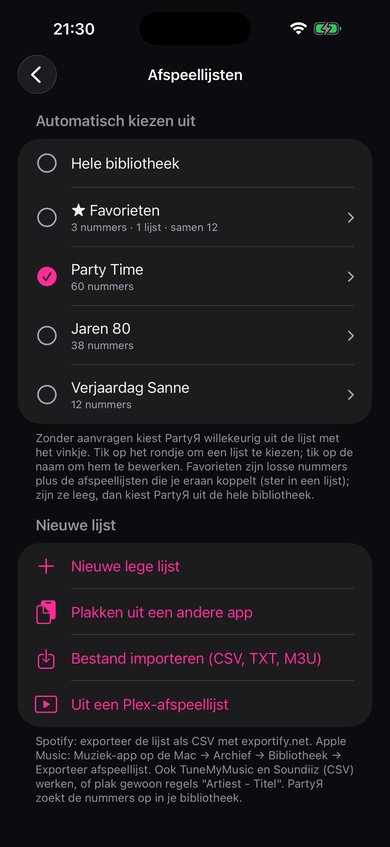
Yes. With Easy you make playlists and favourites with your own clips, choose a default party list and bring in lists with an export file, by pasting titles or directly from Plex. With Pro you can also add songs from your external music apps, such as YouTube, Apple Music and Spotify.
Do guests need to install anything?
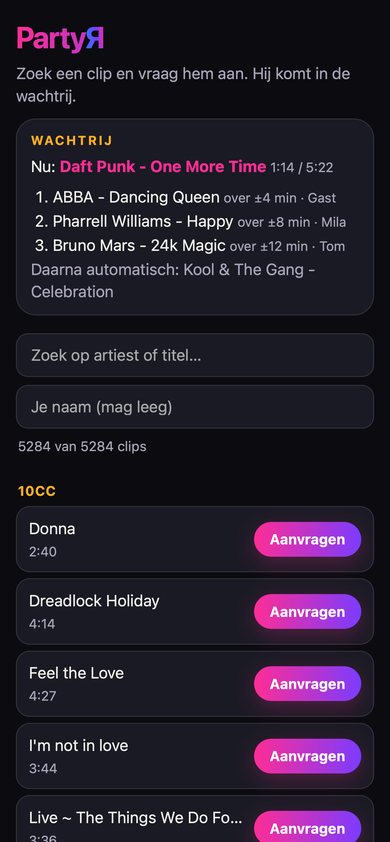
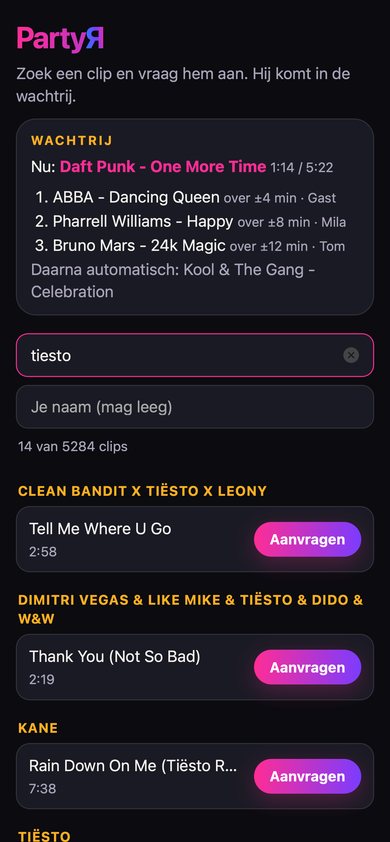
No. The camera and browser on their phone are enough.
Does it work outside your Wi-Fi?
Yes, with the Pro subscription (Pro monthly): guests can then scan the QR code without Wi-Fi too, over mobile data. With Easy and Pro for life, they need to be on the same Wi-Fi network as the Apple TV.
Can I use more than one TV?
Yes, with Pro. With multi-play the same party plays on several Apple TVs at once: one TV leads, the others follow. You set a delay per TV so they stay in sync. Per TV you also choose picture and sound, or picture only, for example when two rooms share one sound system. This works in phone mode and with the Home Assistant integration. Playlists, favourites and blocks are the same on every Apple TV with the same Apple ID.
What if the app on the TV restarts?
If you play with the PartyЯ app on the Apple TV, it restores the current song and queue when it restarts within fifteen minutes. If it takes longer, you start the party again. In phone mode or Home Assistant, the external player may keep playing, but PartyЯ first checks what is happening on the TV after a restart and may ask you to resume the party. Your settings are kept.
Where can I download PartyЯ?
On the App Store: PartyЯ for the Apple TV, and PartyЯ Beheer for iPhone and iPad. The Apple Watch app comes with PartyЯ Beheer.